Recast
A sampler that reads what was played in a loop — which drum, which note, when, how hard — and plays that performance with the sound of other loops. AU and VST3 for macOS.
The window
Four layers, one flow.
- SampleThe loop, its tempo, its key, cut into slices.
- ReadingWhat was played in it, as notes you can edit.
- TransferOne control: play the notes with another loop's sound, or add parts of its performance.
- PerformanceWhat you play: piano roll, takes, per-note sound.
Drums and melodic.
Recast reads both kinds of loop. Drum reading is in place and measured. Melodic reading is being rebuilt at the moment.
| Drums | Melodic | |
|---|---|---|
| Reads | Kick and 808, snare, clap, rimshot, closed and open hi-hat, toms, ride, crash, congas and bongos, shaker and tambourine, cowbell and woodblock | Notes, chords, key |
| Writes | One row per drum, on General MIDI keys | A piano roll in the key of the loop |
| Transfer | The pattern is played with another loop's kick, snare, hats | The line is played with another loop's sound |
| State | In place. Measured. | Being rebuilt. Not measured yet. |
1
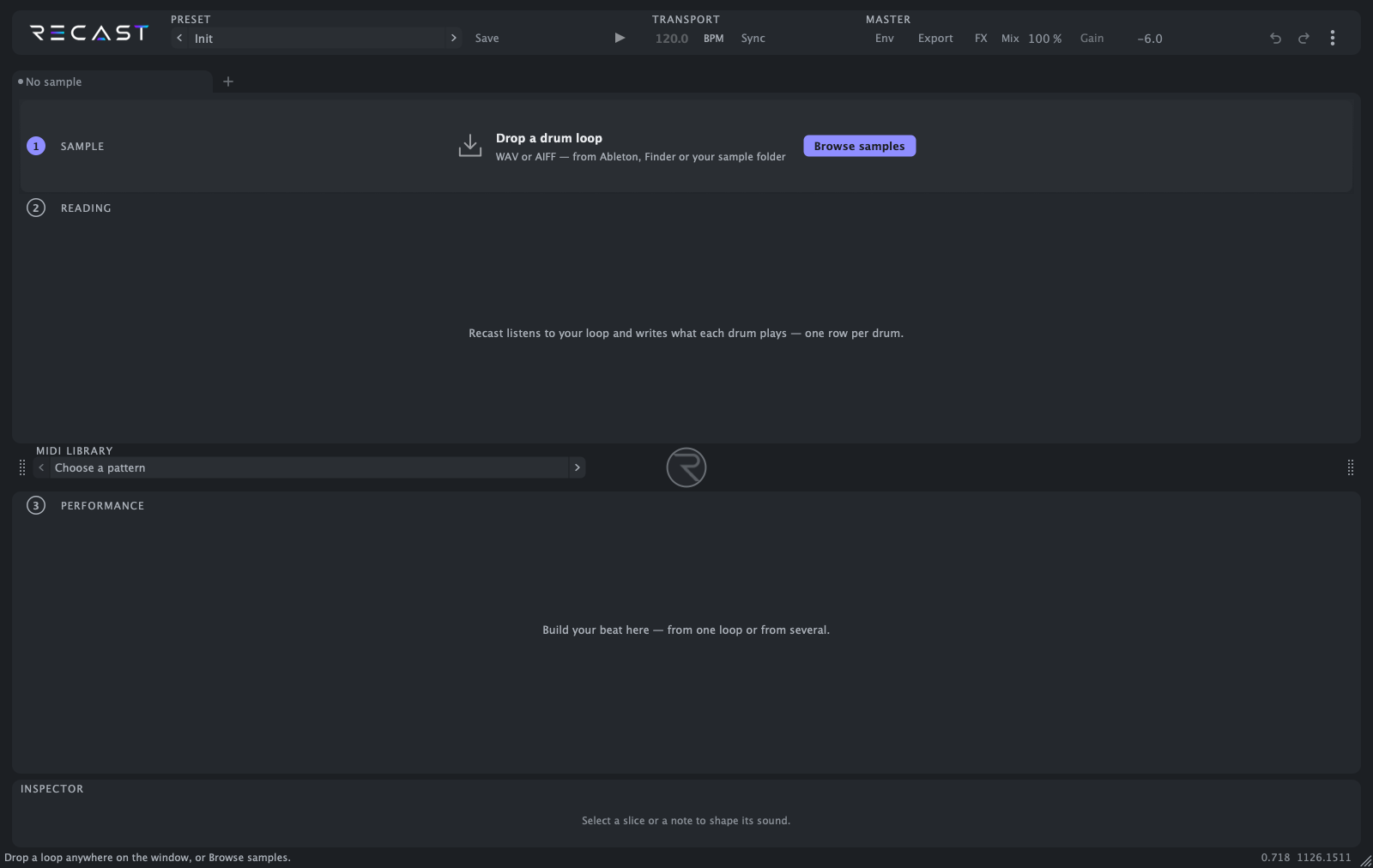
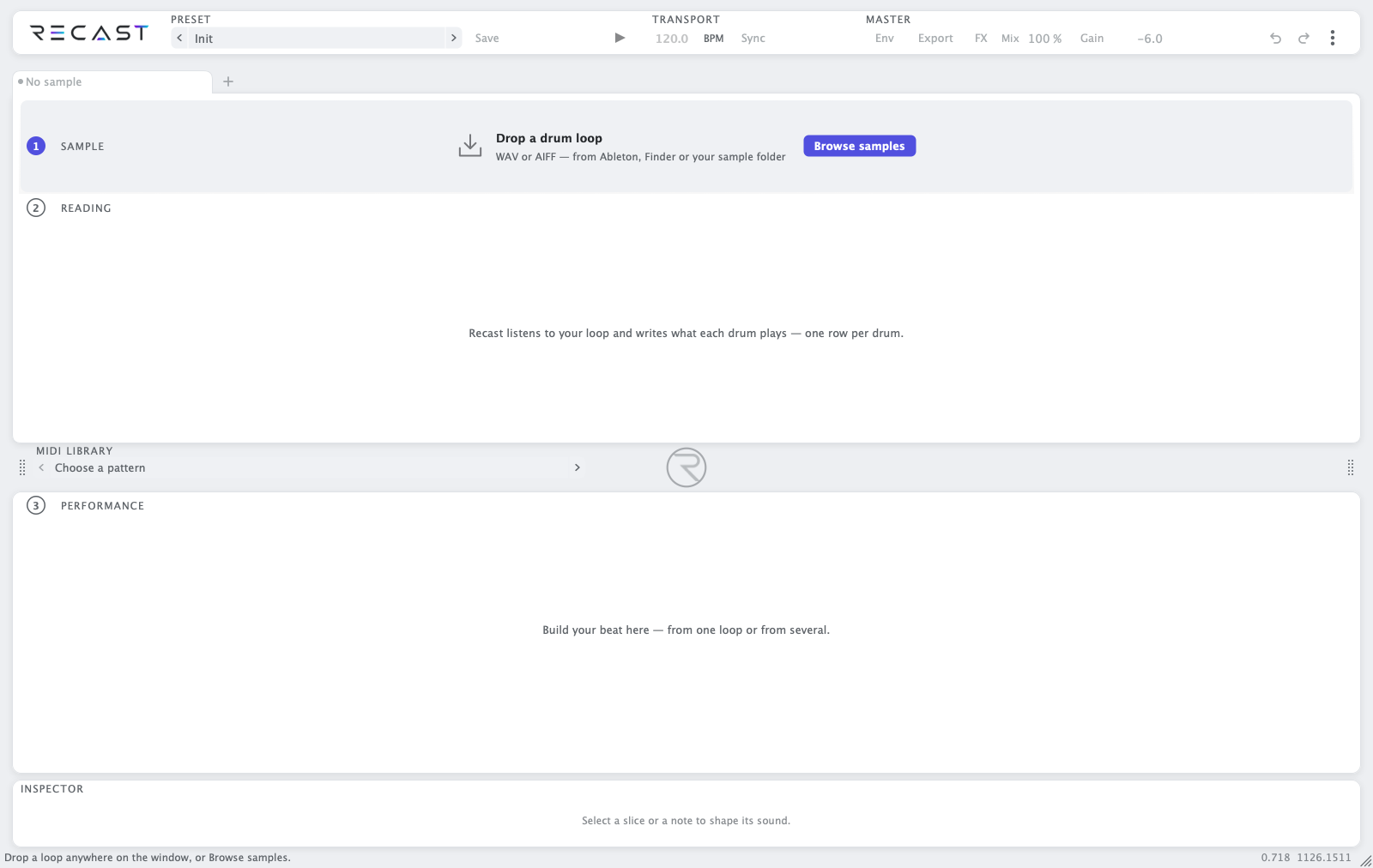
A loop goes in.
- WAV or AIFF, from the DAW, Finder or the built-in browser.
- Tempo and key are found, the audio is cut into slices — automatically, and you can move, add or remove cuts yourself.
- Drums or melodic is decided automatically; one switch overrides it.
2
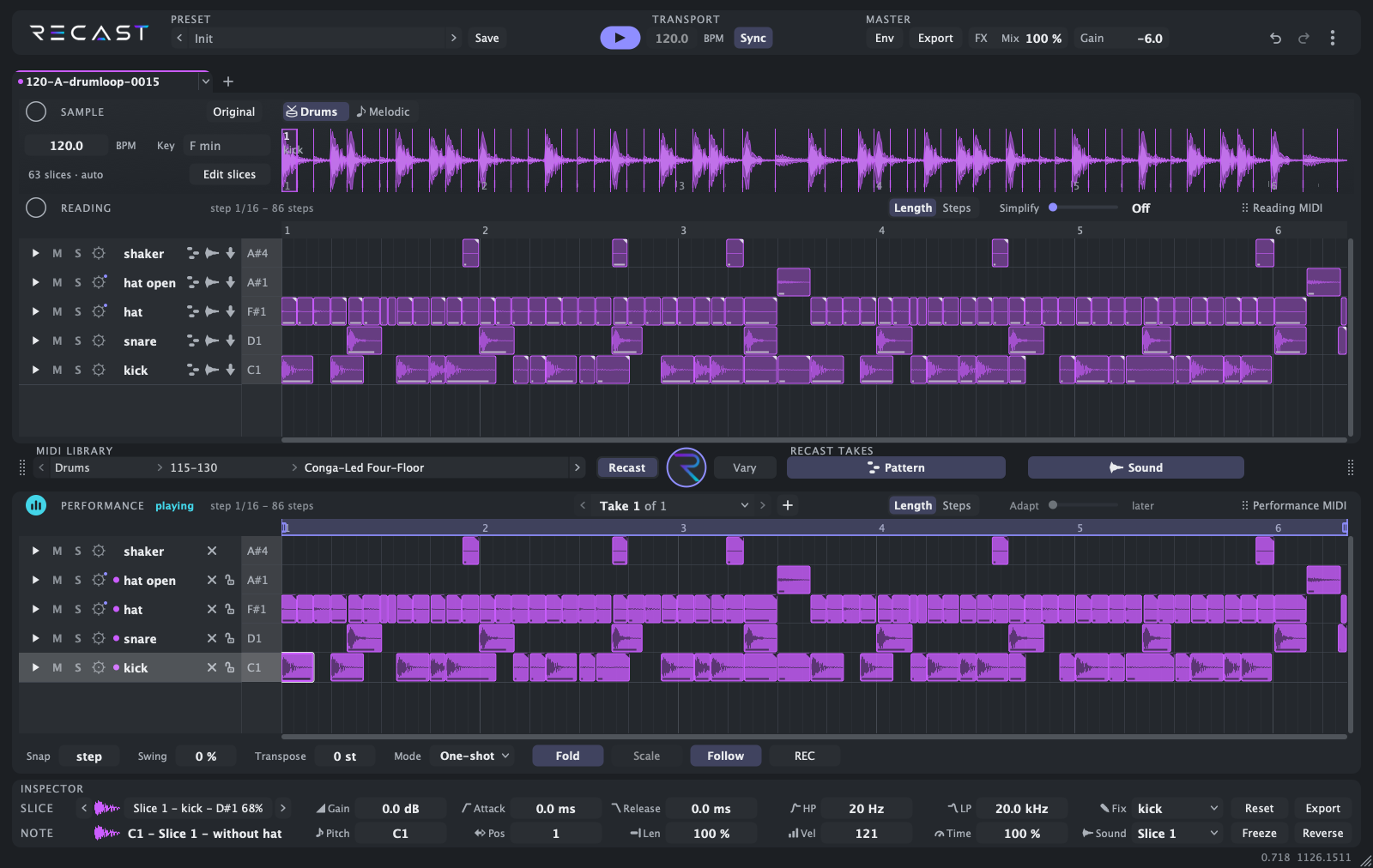
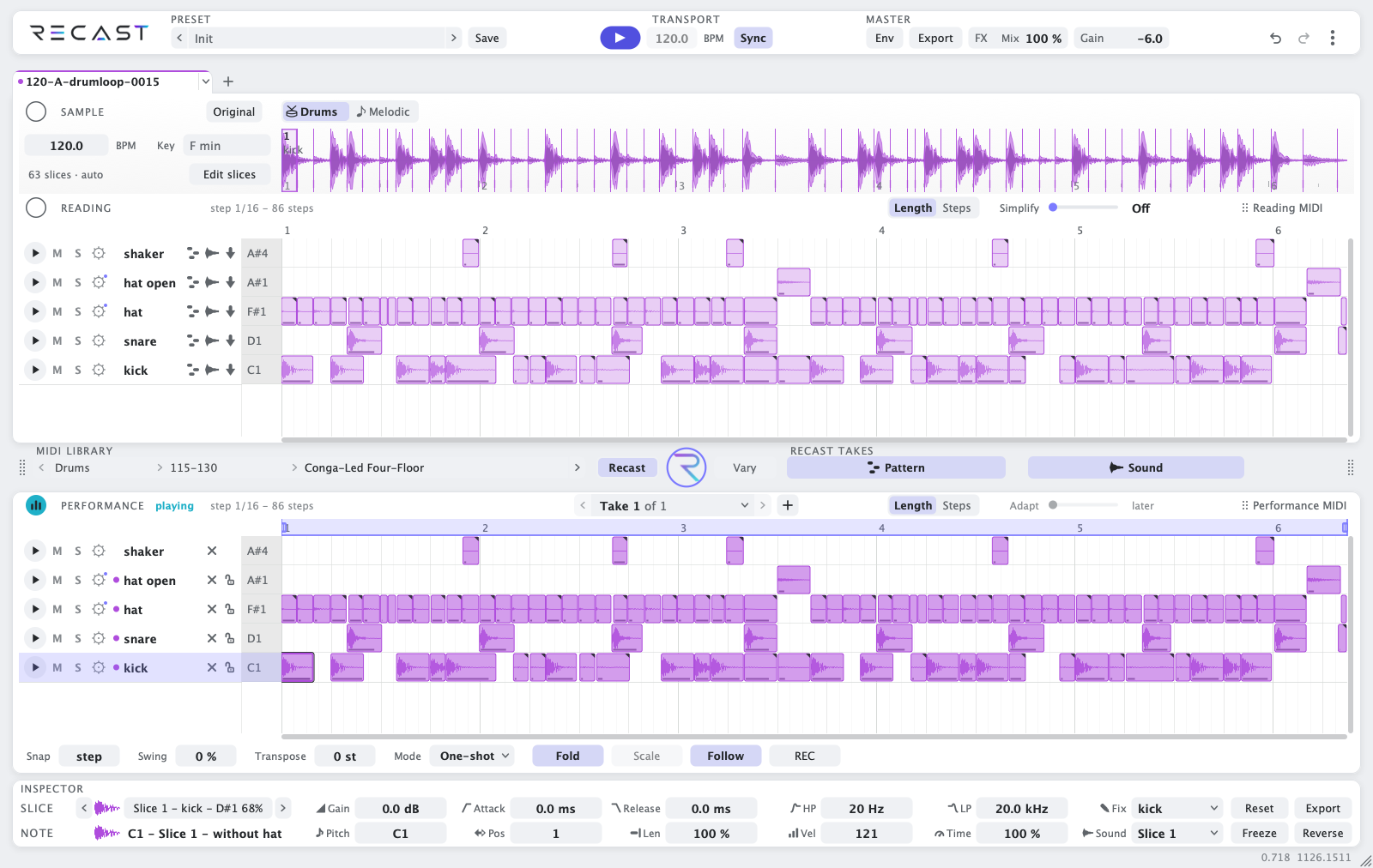
It is read.
- A neural network trained for this writes what was played as notes and separates the sounds: one row each.
- Every note keeps the slice it was read from.
- A second sound inside one slice is marked red and stays silent until it is given a sound.
- Simplify thins a busy reading. The reading can be dragged into the DAW as MIDI.
3
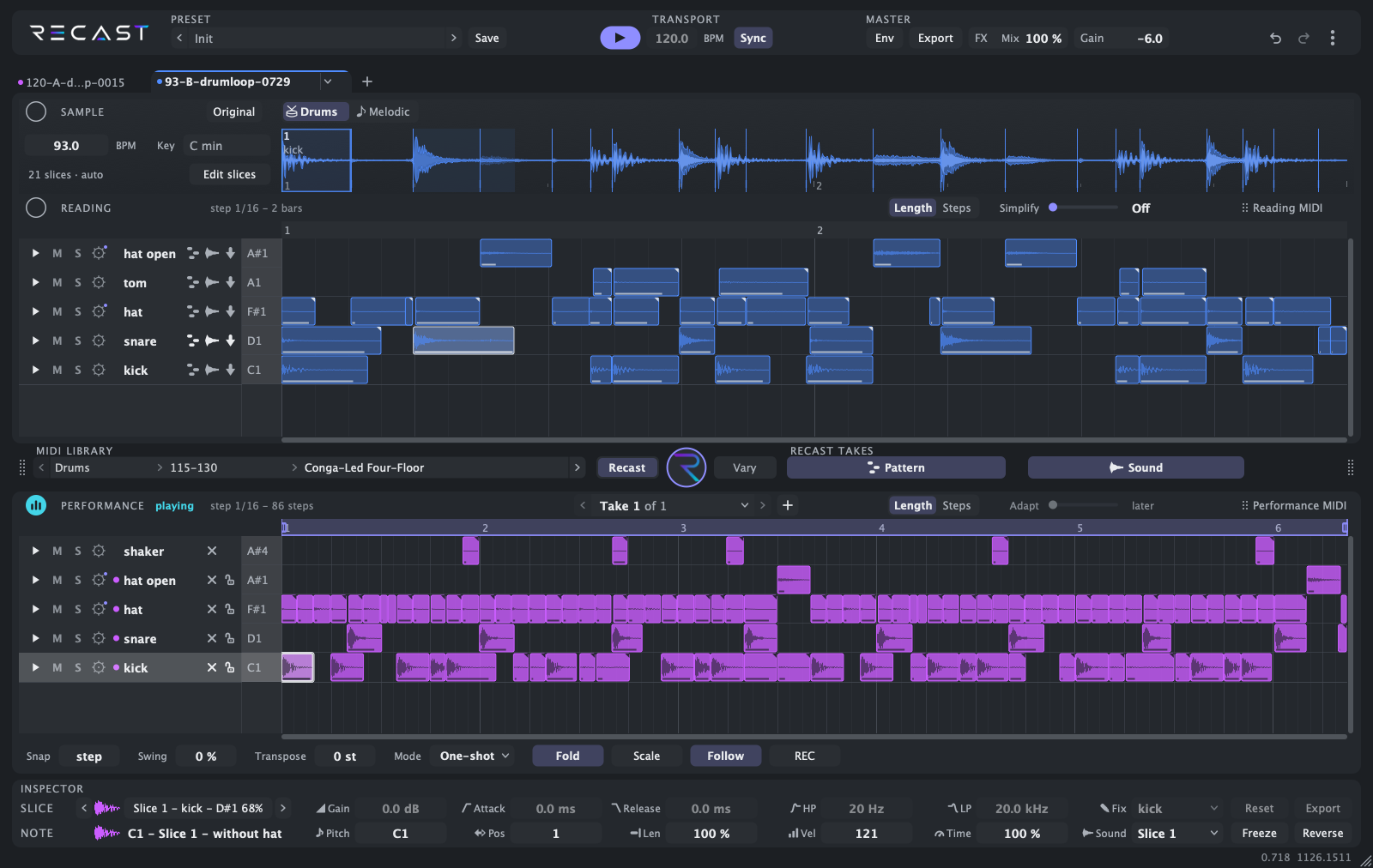
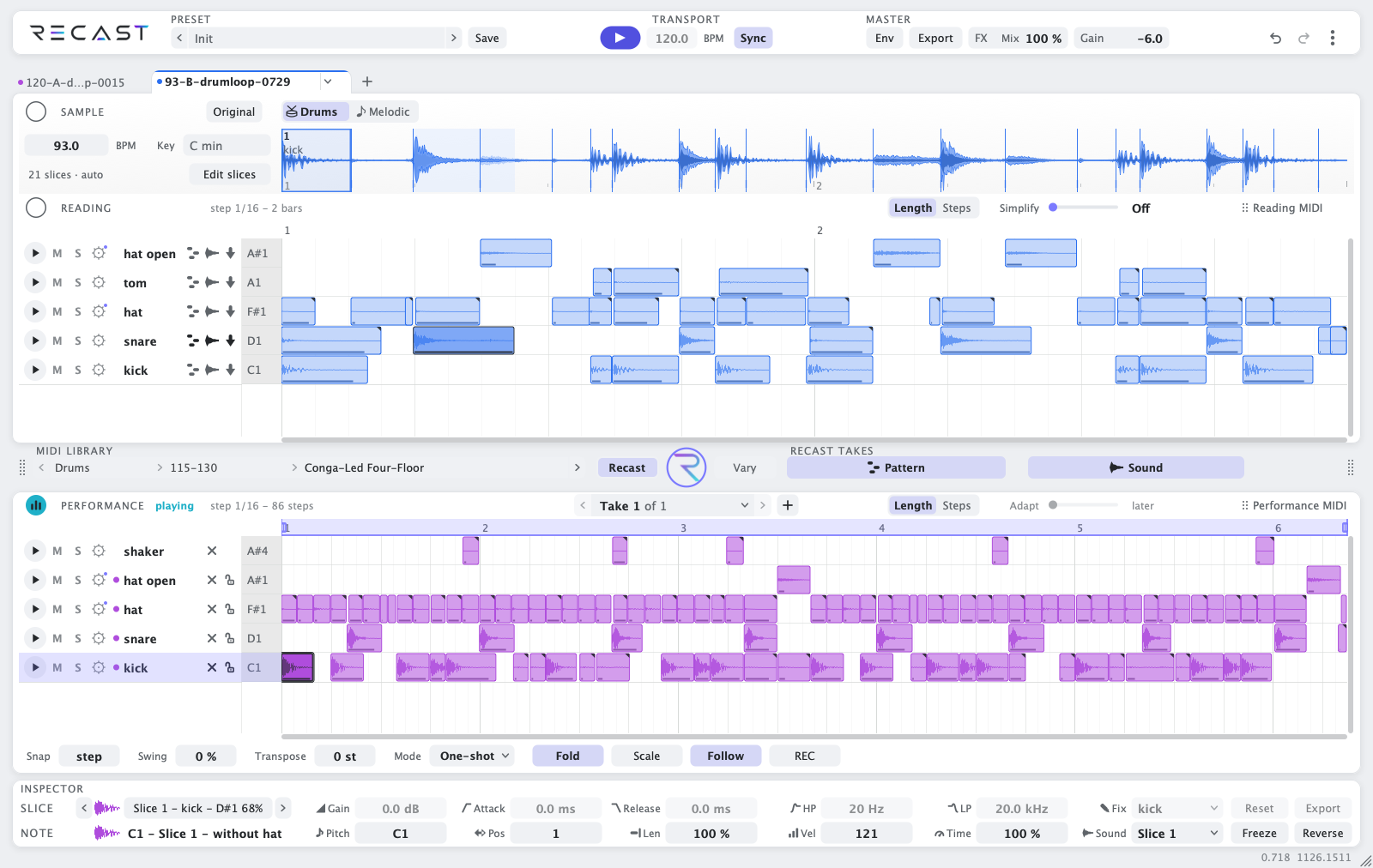
The performance moves.
- A second loop opens in its own tab, in its own colour.
- The round button puts the performance onto that loop's slices: hold to listen, click to keep.
- Parts of that loop's own performance can be added to yours as well: its notes together with its sound.
- Or start from the MIDI library: 1,078 drum patterns by style and tempo, plus your own files.
4
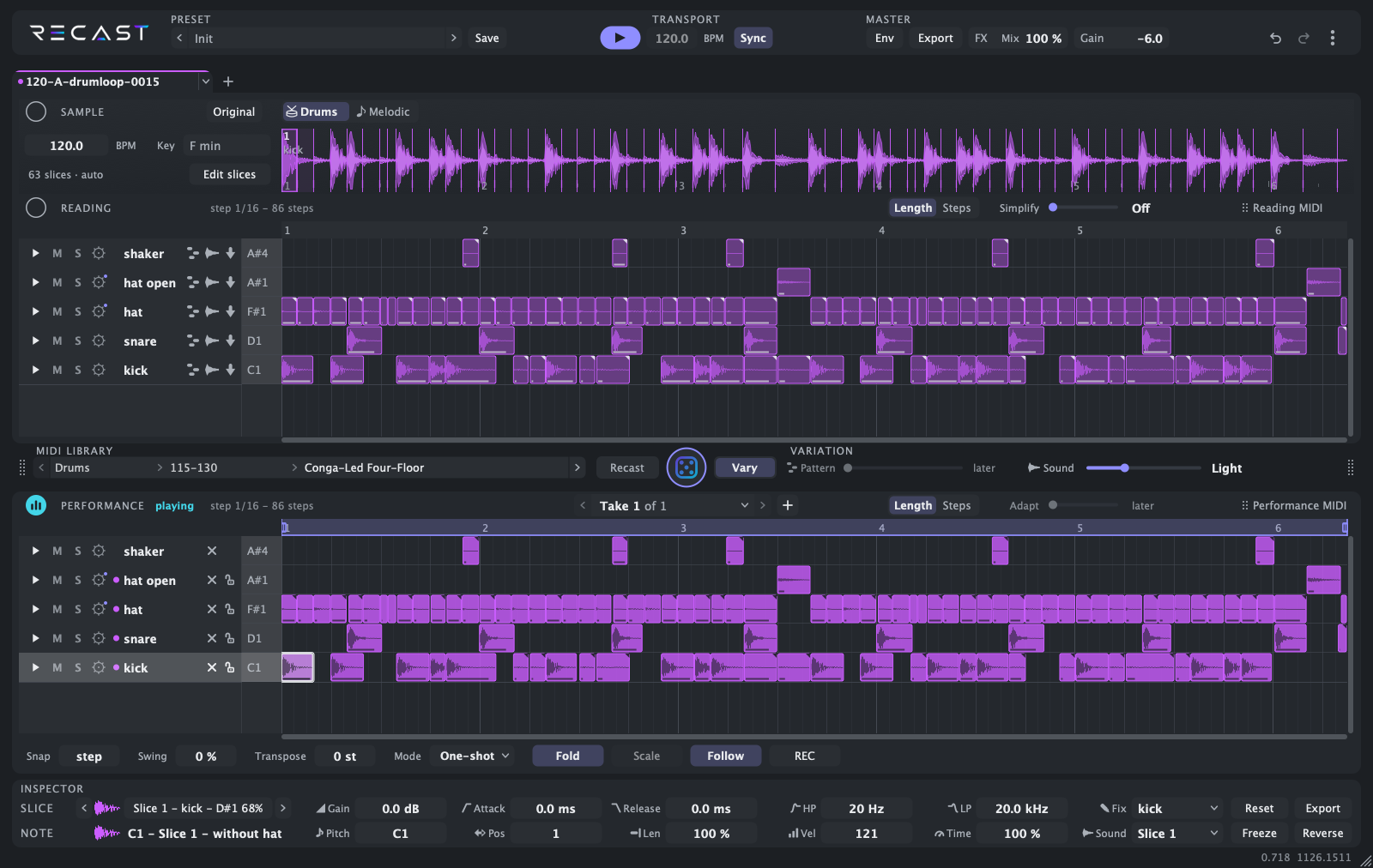
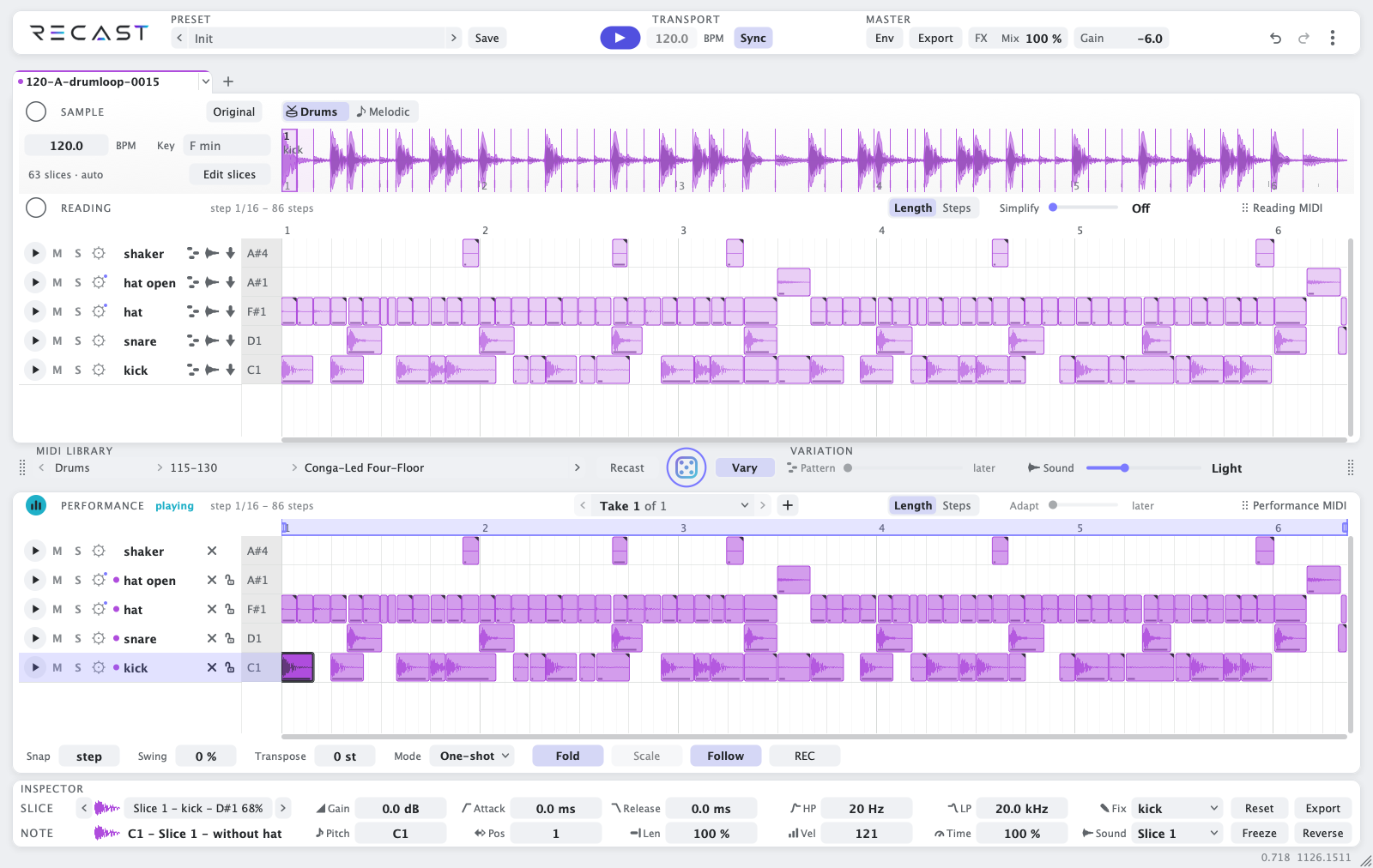
Vary.
- Each note gets another slice of the same sound.
- Notes, timing and velocity do not change.
- One click, one undo step.
5
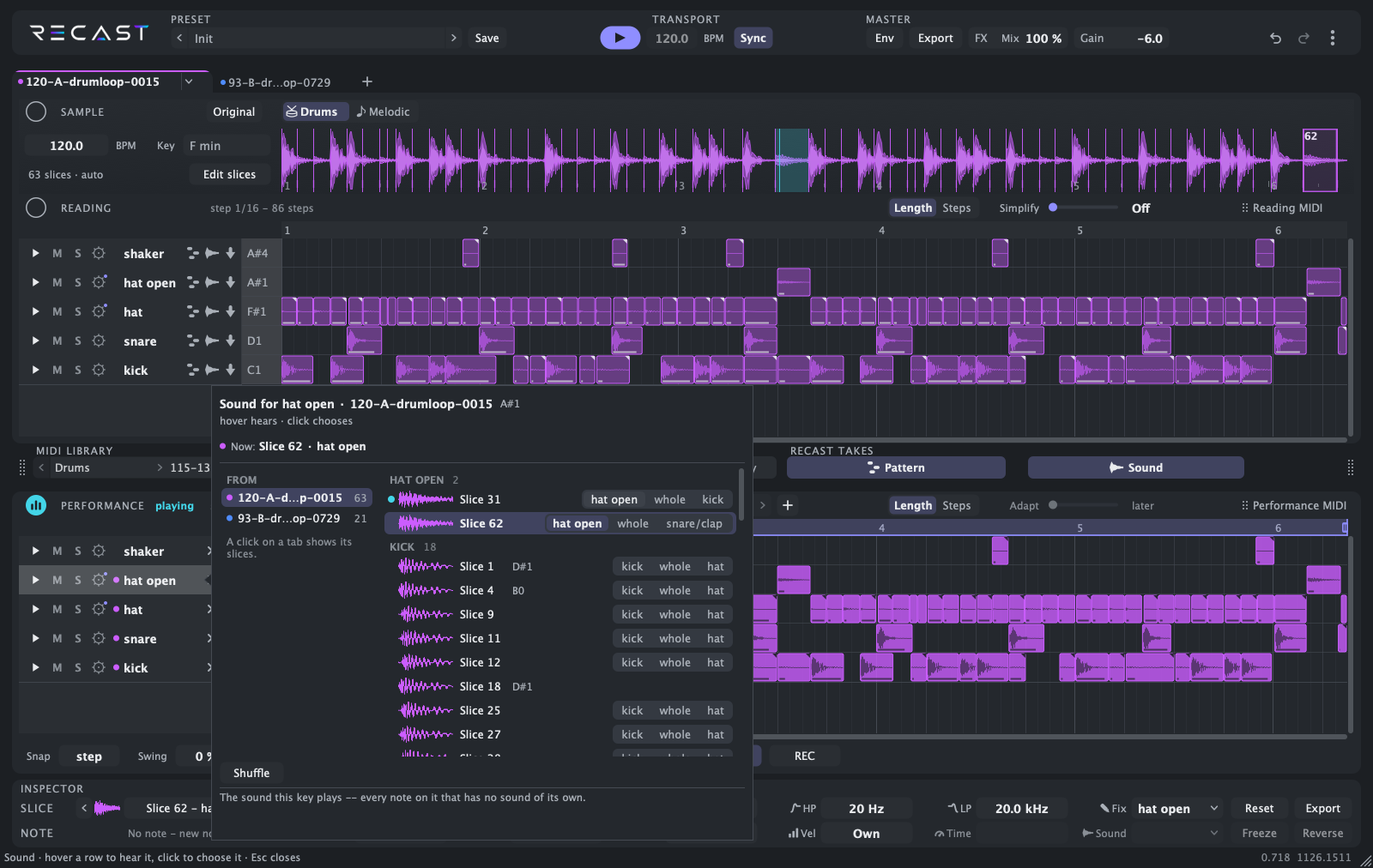
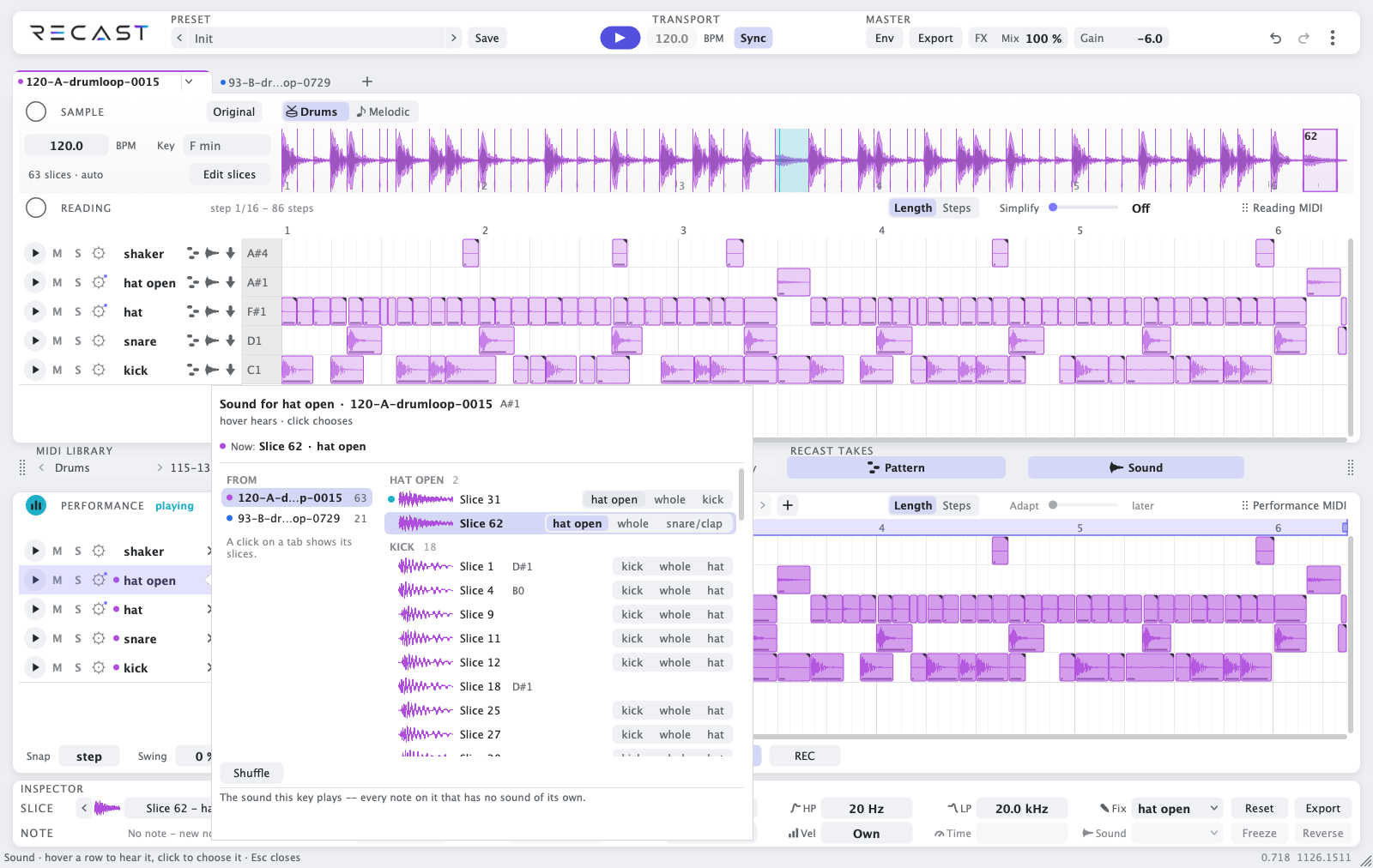
Every note, every sound.
- Piano roll: draw, move, copy, stretch; loop several bars; record live.
- The sound per key: hover a slice to hear it, click to take it.
- Per slice and per note: gain, attack, release, filters, pitch, position, length, velocity, freeze, reverse.
6
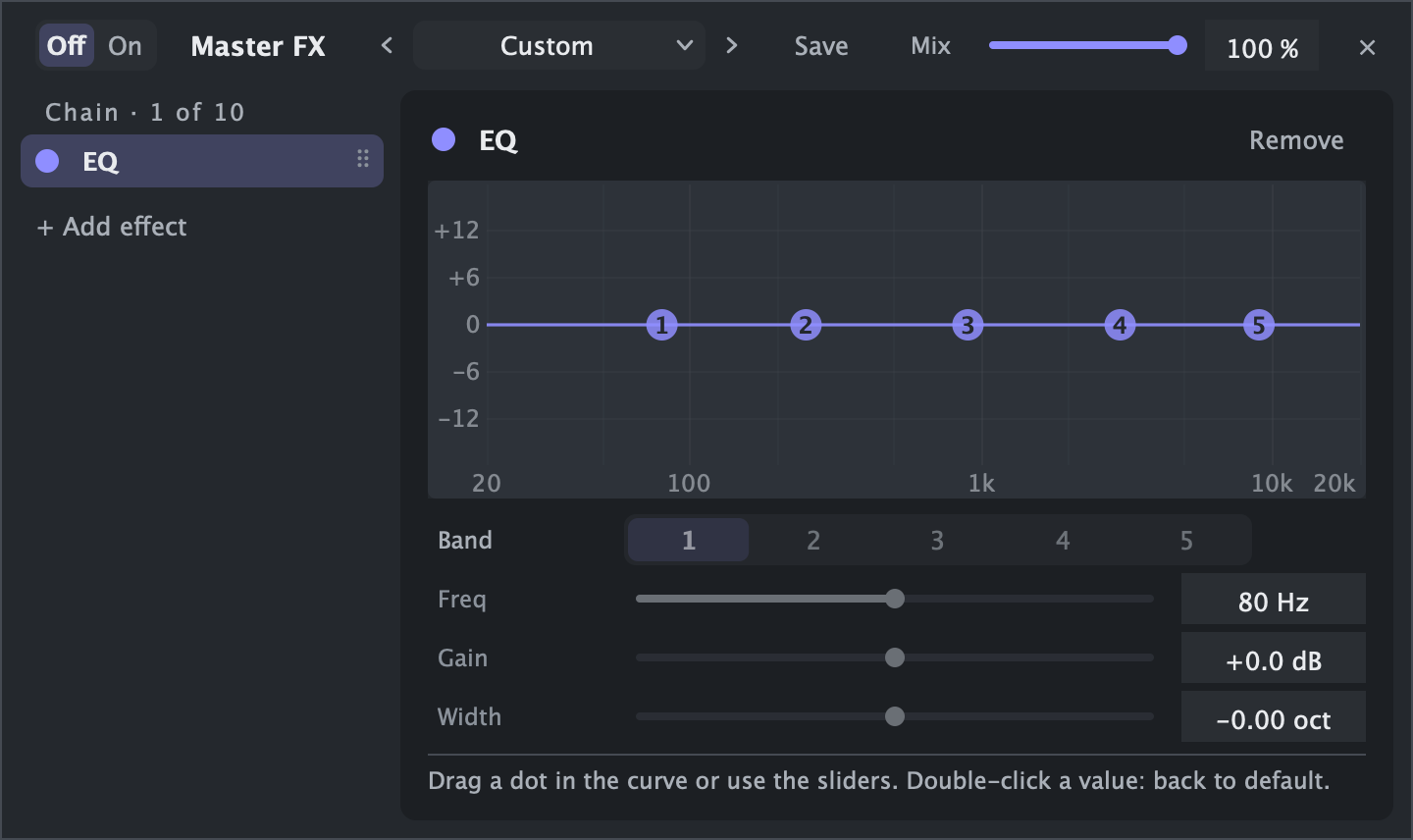
Out.
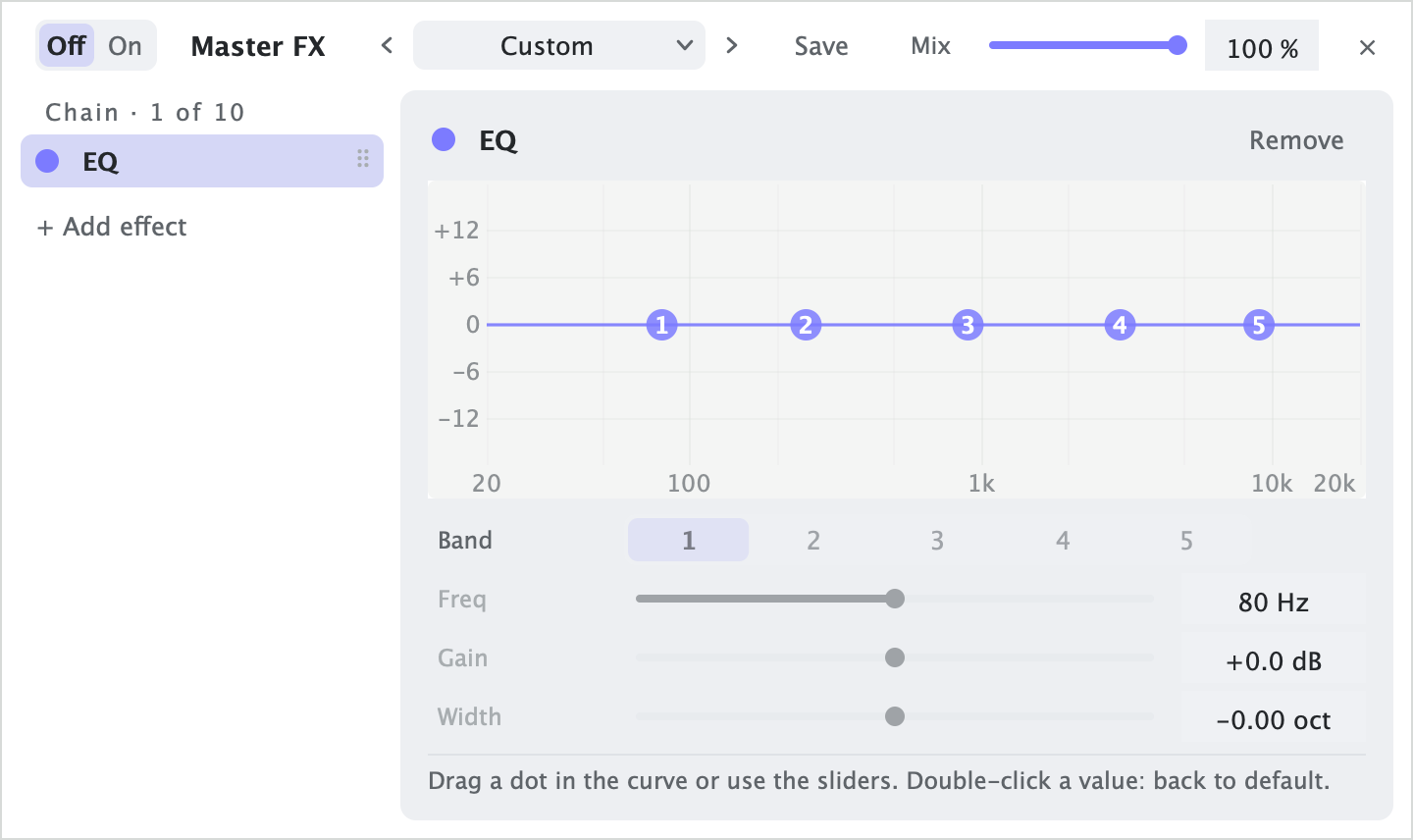
- Master effects: EQ, drive, bitcrusher, wobble, delay, reverb, shimmer, noise, glue, limiter, filter, duck.
- 16 stereo outputs and a sidechain input.
- Export as audio, stems or MIDI, or drag the performance into a track.
Data sheet
| Status | Alpha, version 0.7.19 |
|---|---|
| Type | Instrument plugin: MIDI in, audio out |
| Formats | Audio Unit, VST3 |
| System | macOS |
| Input | WAV, AIFF |
| Outputs | Main, 16 stereo outputs, sidechain input |
| Look | Dark and light, free window size |
Not there yet
| Melodic | The note reader is being rebuilt. |
|---|---|
| Windows | No Windows version. |
| Adapt | Two controls in the window are still labelled "later". |
| Shop | Licences and a signed installer come with the shop. |